Phototune.ai Upscaler: How It Works and What to Expect

If you’ve tried AI photo upscaling and gotten results ranging from impressive to underwhelming, the difference usually comes down to the tool and how you use it. This guide covers what the Phototune.ai upscaler does, how it approaches image enlargement, and what kind of output you can realistically expect across different source types. What the […]
Flaky Tests Aren’t Bad Luck: The 5 Root Causes Behind Failing Test Automation

Flaky tests, the ones that pass one run and fail the next with no real change in the code, are the clearest symptom that a test automation program is in trouble. They rarely start as a tooling problem. A flaky test is what you get when one of five decisions gets made carelessly early in […]
Testing Voice Agents: A Practical Strategy for Production Reliability

You’re building a voice agent. It passes your internal tests. Then a customer with a regional accent gets a transcription error. Another user interrupts mid-sentence and your agent halts instead of recovering. A third call drops because of latency, and the agent never reconnects. These aren’t edge cases. They’re baseline expectations for voice agents operating […]
Claude for Test Automation: Stop Wasting Time on Wrong Models

Using Claude for test automation has become essential for QA teams scaling their testing operations. But which Claude model should you use for test automation tasks? Spending 10x more on processing costs when you need speed instead of depth is waste. This guide maps real testing work to the right Claude model for test automation. […]
Best Text to Video AI Tools in 2026: A Practical Comparison for Creators and Builders

As of June 2026 the best text to video AI platforms have creators going from script to publish ready video in a matter of minutes. In this space Magic Hour is the leader also including Runway, Pika, Kling AI, and Luma Dream Machine. This comparison examines how they perform in the real world, output quality, […]
AI Test Generator: What Actually Works in 2026

If you’ve been in QA for more than five minutes, you’ve heard the pitch: AI test generators write your tests for you. No coding. No fuss. Just plug in your app and watch coverage appear. I’ve been in enterprise QA for 26 years. I’ve watched vendors make this exact claim at least a dozen times since […]
Visual Testing : 6 Critical UI Bugs Your Team Will Miss

Your automation suite went green. Every test passed. Then a user sent a screenshot: the “Buy Now” button on your checkout page was buried under a Terms and Conditions overlay. Completely invisible. Completely unclickable. That bug shipped on Southwest Airlines’ website. Their site generates roughly $2.5 million in revenue per hour, according to Applitools’ published […]
CRM Testing: Complete Guide with 11 Real Test Cases

TL;DR / Key Takeaways CRM testing validates that your CRM software works correctly across functional, performance, security, and usability dimensions before it touches real customer data. The most critical areas to test: data integrity, role-based access, integrations (email, ERP, marketing tools), and regression after every update. This guide includes 8 CRM testing types, a checklist, […]
QA Lead Interview Questions: 7 Answers That Actually Win
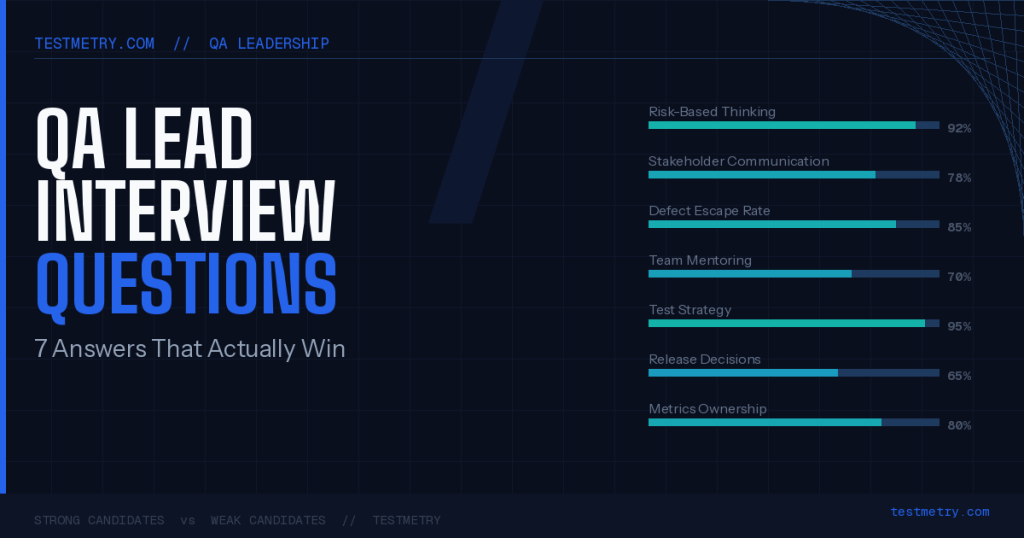
You passed every technical screen. You know your testing frameworks. You can talk about shift-left in your sleep. Then the interview starts, and the panel asks about stakeholder management, and you give the answer that sounds right but doesn’t land. That’s the gap most QA engineers miss when they go for lead roles. The technical […]
Best Books on Web Automation & Playwright Testing [2026]
If you’re exploring modern web automation, the playwright book ecosystem deserves attention. Playwright, the open-source automation library from Microsoft, has matured rapidly and many authors and practitioners have started documenting patterns, techniques, and real-world examples. Whether you’re a beginner trying to learn the basics or an experienced tester looking to scale, this article rounds up […]
You must be logged in to post a comment.